

Hi, I’m Matt Knighton
Pro WP Developer
Frustrated with website traffic & sky-high AdWords costs? We eliminate those struggles, driving FREE traffic & generating leads with effective SEO & WordPress development.

Website Services
Helping you to improve every aspect of your online business using WordPress. Explore our web services.
WordPress Care Plans
With a Managed Care Plan for your WordPress website, you can rest assured that we’re monitoring daily backups, updates and security to save costs.
Website Design
Every business should have a website. With over 20 years of experience, we can help you get the greatest return on investment for your next website project.

White Label Services
We have worked with over 300 different agencies across the globe. With that experience, we know what it means to have trusted partners.
WordPress Plugins
Want to see more products? Explore our plugins.

Secure User REST API
Easily refine the WordPress search results and exclude posts and pages with the MRK Search Exclude Plugin.
Action Scheduler Cleaner
Clear unnecessary scheduled actions faster with the Action Scheduler Cleaner plugin. No complex configurations are needed.

Search Exclude Plugin
Easily refine the WordPress search results and exclude posts and pages with the MRK Search Exclude Plugin.
Latest Work
Take a look at our recent projects completed. Check out our latest client stories.
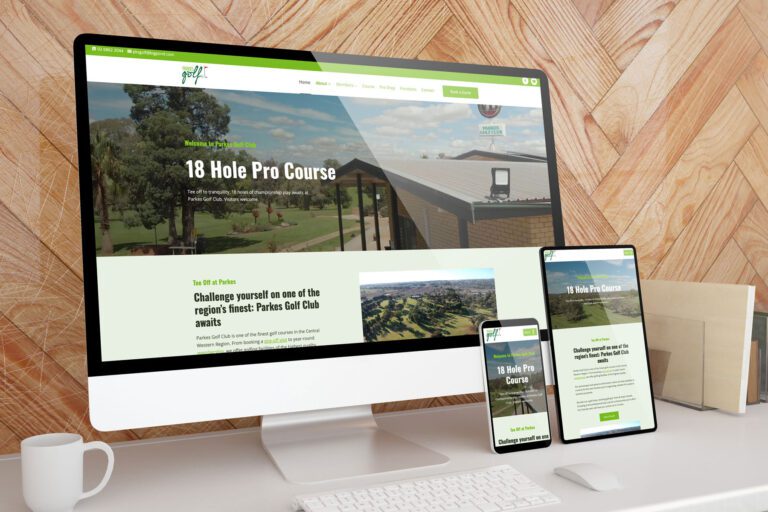
Parkes Golf Club’s Website Transformation
Parkes Golf Club revamped their website to attract new members and showcase their 2023 course rebuild. See how our team helped them create a modern, mobile and user-friendly website with custom features like a course guide and event calendar.

Parkes Golf Open
MRK WP is excited to announce that we have created a video for the Parkes Golf Open. This event will be held in September 2023. The video was created to compliment the Parkes Golf Open website. The video is a…
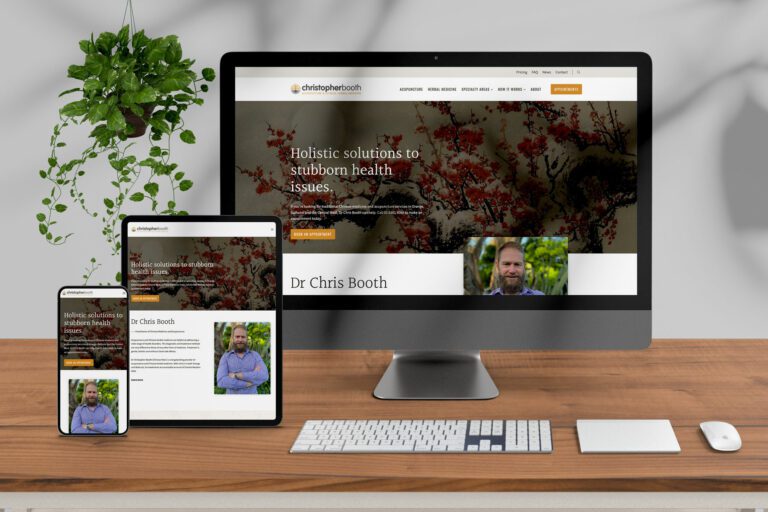
How a Revamped Website Healed Orange Chinese Medicine’s Woes
Struggling with website hacks, dwindling traffic, and an ad budget gone awry? Dr. Chris of Orange Chinese Medicine did. But thanks to MRK WP, his website now attracts local clients, boasts top SEO, and is secure as a fortress.
Latest Articles
Don’t miss any of the great stuff happening around the web. Check out our latest news.
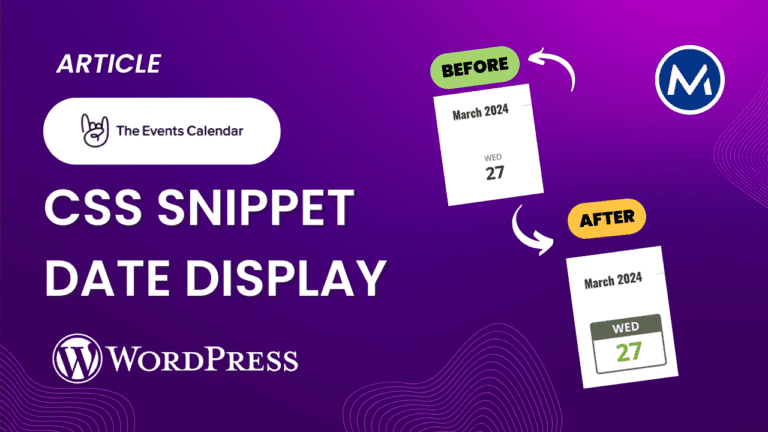
How to Style the Date Display on Event Calendar in WordPress
Enhance the style of date display in the Events Calendar list view with this helpful CSS snippet. Make your dates stand out.

How to Allow WordPress REST API with Cloudflare
Encountering issues accessing the WordPress REST API with Cloudflare? We have got you covered. Follow our guide to fix this problem.
Divi Vs Kadence: Page Performance Test
Discover the performance between Divi Vs Kadence with WordPress in our speed test analysis. Find out which page builder is the fastest.
Our Services
How can I help your business?
No matter your type or size business, our mission is to help you succeed online.
- SEO
- WordPress
- Training